


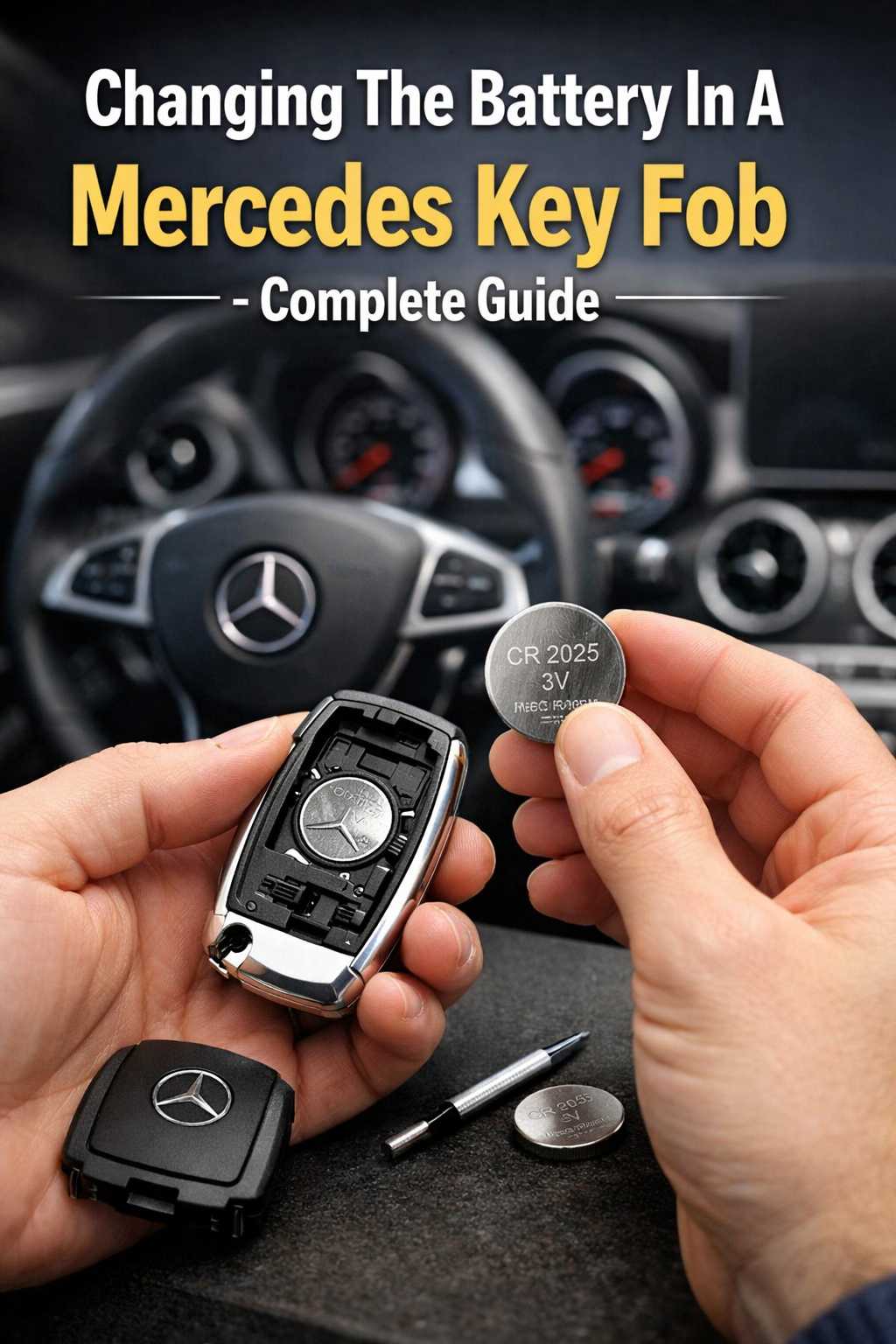
Learn how to changing the battery in a Mercedes key fob. Step-by-step guide, correct battery types, fixes, and tips for 2025 models. 🔧🚗
If your Mercedes no longer unlocks reliably, if the doors only open when you are very close, or if the dashboard shows “Key Not Detected” or “Replace Key Battery”, it is time for changing the battery in your Mercedes key fob.
This guide will show you exactly how to replace your Mercedes key fob battery, which battery type to use, how to avoid damaging your key, how to reset it, and how to fix common problems after replacement.
Table of Contents
- How Mercedes Key Fobs Work
- Signs You Need to Change the Battery
- Types of Mercedes Key Fobs (All Models)
- Correct Battery for Each Mercedes Key
- Safety Precautions
- Tools You Need
- Step-by-Step: Chrome SmartKey
- Step-by-Step: Newer Black SmartKey
- Step-by-Step: Older Mercedes Keys
- How to Reset the Mercedes Key Fob
- What If the Key Still Doesn’t Work?
- Common Mistakes
- Mercedes Push-Start Systems
- Winter & Cold Weather Issues
- Battery Life Expectancy
- Cost of Replacement
- Dealer vs DIY
- How to Test the Key Fob
- How to Extend Key Battery Life
- Final Expert Advice
1. How Mercedes Key Fobs Work
Modern Mercedes-Benz vehicles use a SmartKey system. Your key fob communicates with the vehicle using:
- Radio frequency (RF)
- Rolling encrypted codes
- Infrared backup signal
- Low-power transmitter
The battery inside the key fob powers:
- Door lock/unlock
- Push-button start
- Comfort access
- Alarm system
When the battery weakens, the car cannot reliably detect the key.
That is why changing the battery in your Mercedes key fob is essential for normal vehicle operation.
2. Signs You Need to Change the Mercedes Key Battery
You will notice:
- Reduced range
- Multiple button presses required
- “Key Battery Low” message
- “Key Not Detected”
- Car won’t unlock
- Push-start fails
These are classic signs that the battery voltage has dropped below 3 volts.
3. Types of Mercedes Key Fobs
Mercedes uses three main types worldwide (USA, Canada, UK):
| Type | Years | Shape |
|---|---|---|
| Chrome SmartKey | 2000–2016 | Oval |
| Black SmartKey | 2017–Present | Flat, modern |
| Older IR key | 1998–2005 | Rectangular |
Each uses different battery layouts.
4. Correct Battery for Mercedes Key Fobs
Most Mercedes keys use:
| Battery | Voltage | Type |
|---|---|---|
| CR2025 | 3V | Lithium |
| CR2032 | 3V | Lithium |
Most keys use two batteries.
Never mix old and new batteries — it causes voltage imbalance.
5. Safety Precautions
Before changing the battery in your Mercedes key fob:
✔ Wash hands
✔ Use non-metal tool
✔ Avoid touching battery contacts
✔ Install batteries facing correct polarity
Finger oils reduce conductivity.
6. Tools You Need
You only need:
- The metal emergency key
- A small flat screwdriver (optional)
No programming tool is required.
7. Changing Battery in Chrome Mercedes SmartKey
Steps:
- Pull out the metal emergency key
- Insert key into the slot on the back
- Twist gently to open
- Remove both old batteries
- Insert new CR2025 batteries (+ side up)
- Close case
- Reinsert metal key
Done.
8. Changing Battery in New Black Mercedes SmartKey
- Remove the metal key
- Push the release tab
- Slide open the battery tray
- Replace both CR2025 or CR2032
- Slide tray back
- Reinsert key
This takes less than 2 minutes.
9. Changing Battery in Older Mercedes Keys
Older IR keys:
- Use coin to open back
- Remove two CR2025 batteries
- Install new ones
- Close tightly
10. Resetting the Mercedes Key Fob
After changing the battery in a Mercedes key fob, it may need re-synchronization.
Do this:
- Sit in car
- Insert key in ignition
- Turn to position 2
- Remove
- Press Lock
- Press Unlock
This re-syncs the rolling code.

11. If the Key Still Does Not Work
Possible causes:
- Dead batteries
- Wrong battery type
- Bent battery contacts
- Water damage
- Faulty transmitter
12. Common Mistakes
❌ Installing one new and one old battery
❌ Touching terminals
❌ Using cheap batteries
❌ Reversing polarity
❌ Breaking plastic clips
13. Mercedes Push-Start Systems
If the key is dead, hold it against the Start button. Mercedes has an RFID backup.
14. Winter & Cold Weather Effects
Cold climates in:
- Canada
- Northern USA
- UK
reduce battery voltage by up to 40%.
That’s why winter triggers most key failures.
15. Battery Life Expectancy
Mercedes key batteries last:
- 2–4 years in warm climates
- 1–2 years in cold climates
16. Cost of Replacement
| Location | Dealer | DIY |
|---|---|---|
| USA | $20–$40 | $5–$10 |
| Canada | $25–$50 | $7–$12 |
| UK | £15–£30 | £3–£8 |
Dealers use the same batteries.
17. Dealer vs DIY
DIY is:
- Safe
- Fast
- No programming required
- 90% cheaper
18. How to Test Your Mercedes Key Fob
Press a button while watching your interior lights or door locks.
Weak response = weak battery.
19. How to Extend Key Battery Life
✔ Don’t leave near electronics
✔ Avoid heat
✔ Don’t press buttons repeatedly
✔ Replace both batteries together
20. Final Professional Advice
Changing the battery in a Mercedes key fob is one of the easiest, cheapest and most important maintenance tasks.
A weak key battery can:
- Lock you out
- Disable push-start
- Trigger false alarms
Replace it early and avoid expensive dealer visits.
